


There’s no shortage of small business tools out there. In fact, the amount of choice available can be overwhelming.
I’m often asked what small business tools I use. If you’re a small business owner sorting through endless tools, here’s a peek at the ones I use daily.
There are links in each description in case you’d like to check ’em out for yourself.
But first, a disclaimer: Every tool on this list is one I really use. Nobody’s paying me to say nice things, and I’m not an affiliate for any of these products.
Oh! I should probably introduce myself.
I’m Kristen, a nonprofit consultant and founder of Clockwork Scribe Consulting. I help nonprofit leaders and teams work smarter, tackle challenges faster, and free up time for the mission that matters.
Alright, let’s jump in!
HoneyBook: client management, contracts, & invoicing
I think a good customer relationship management (CRM) system is a must for small businesses like mine.
HoneyBook is my CRM of choice. It’s my hub for proposals, contracts, invoicing, and making sure my client intake and follow-up run smoothly.
Some of its key features include: a meeting scheduler, sales pipeline, form builder, an automations builder, and a client portal.

And not for nothing, the interface is visually appealing. Around here, we believe in form and function.
If you can’t afford specialized software, use what you have! An Excel spreadsheet to track customers, Word doc invoices, and a text expander for your most-used email responses can work just fine.
When you’re ready to scale, remember: No software will do everything you want precisely how you want it done. You just need to find the one that does most of what you want in a way you can live with.
Cal.com: meeting management
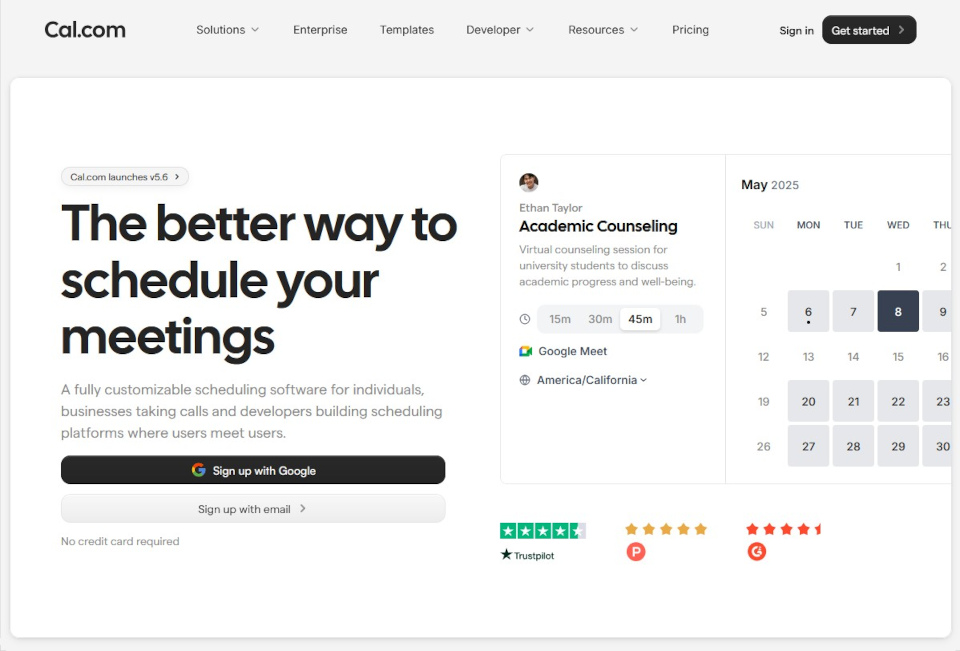
Cal.com is an open-source scheduling system that’s easy to use and, most importantly for me, plays nicely with MS Teams.
I’ve tried so many calendaring programs. So. Many.
HoneyBook has a meeting scheduler, but it doesn’t integrate with MS Teams (?!).
Calendly was fine until it started leaving canceled meetings on my calendar and then cheerfully reminding me about them.
Seriously? No thanks.
A friend suggested Microsoft Bookings since it’s part of my Microsoft 365 subscription. I hated how it looked.
Yes, I’m that person. Remember: form and function.
Cal.com checks all my boxes: it works the way it’s supposed to, it integrates with my other tools, and it looks pretty good doing it.
ClickUp: project management
ClickUp is one of the best project management tools for small business owners, in my opinion.
It’s my project management tool of choice, keeping my recurring admin tasks, business-related workflows, and deadlines on track.
Back when I was planning my business, a free Asana account was the first small business tool I signed up for.
I used it to help organize my thoughts, plan my timelines, and set deadlines for important business-related tasks.
It was great—until I hit the limits of the free plan (no automations or workflows) and found that the paid plan was built for teams, not solo users.
Enter ClickUp.
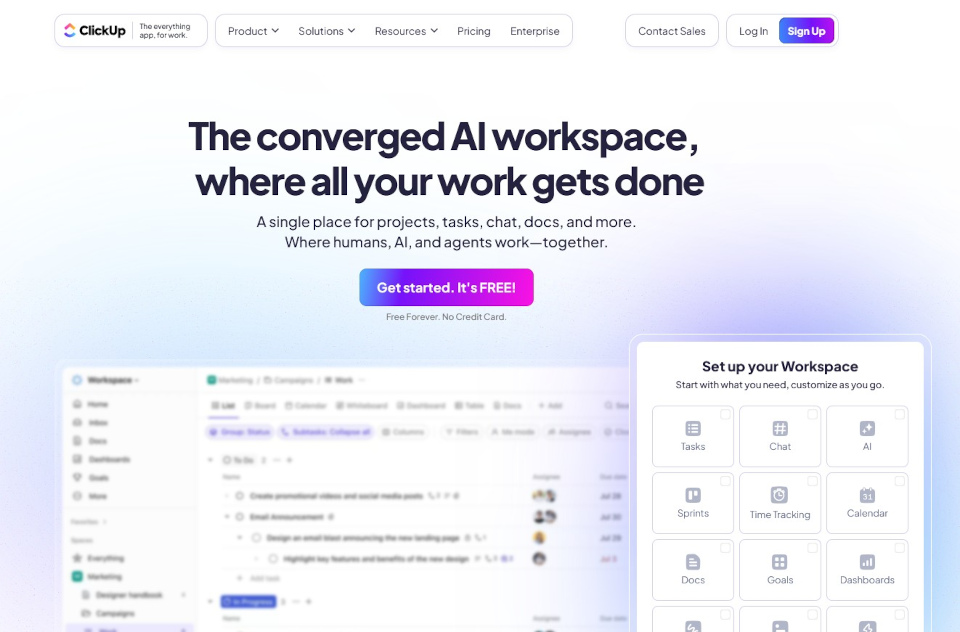
Its automation capabilities save me time and lessen my decision-making load. For example, changing a task’s status in my blog-post workflow triggers automations that update due dates.
(If you’re wondering why lessening your decision-making load matters, check out some info on decision fatigue here and here.)
With recurring tasks (like paying quarterly taxes or weekly accounting), I set ‘em and forget ‘em. ClickUp just creates the next one when I check off the current one.
Other features include whiteboards, docs, time tracking, and many more. It really is trying to be “everything app for work.”
QuickBooks Online: accounting
Arguably one of the most important small business tools is good accounting software. I use QuickBooks Online (Simple Start tier) for several reasons.
First, QuickBooks Simple Start integrates with HoneyBook. Invoice information and payments recorded in HoneyBook automatically transfer into QuickBooks. Easy peasy!
Second, QuickBooks Simple Start allows me to run a wide array of financial reports that I find useful, particularly a profit & loss statement, a cash flow statement, and a balance sheet.
Why does that matter?
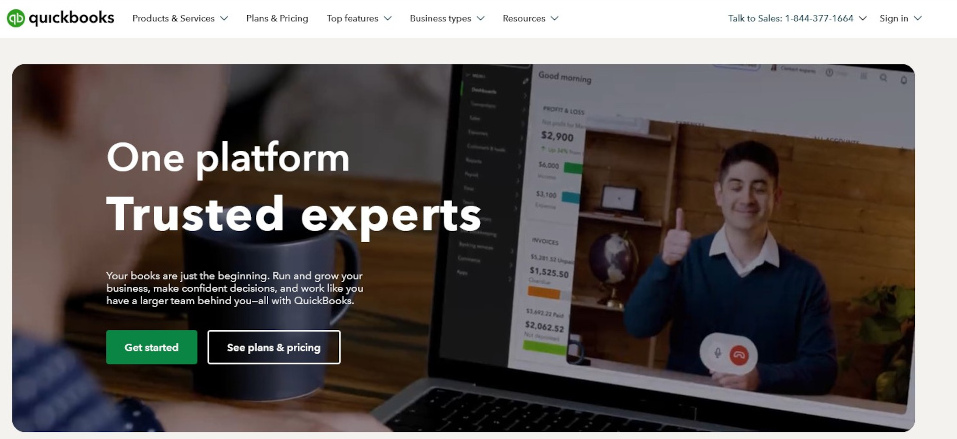
Here I’ll defer to the wisdom of one of my former colleagues—we’ll call him My Favorite Grumpy Accountant because he truly is that—who once told me that those three reports are crucial to understanding a business’s health.
And when someone on a team of CPAs and accountants, who together have over 100 years of experience handling millions of dollars every year, tells you something?
You tend to listen to what they’re saying.
Third, QuickBooks Online allows you to invite your accountant so they can work directly within your books. This comes in handy when you’d like someone to review or manage your books and help with your tax preparation.
Finally, the QuickBooks mobile app allows me to track my business-related. Don’t want to miss out on the mileage deduction come tax time!
Bitwarden: password management
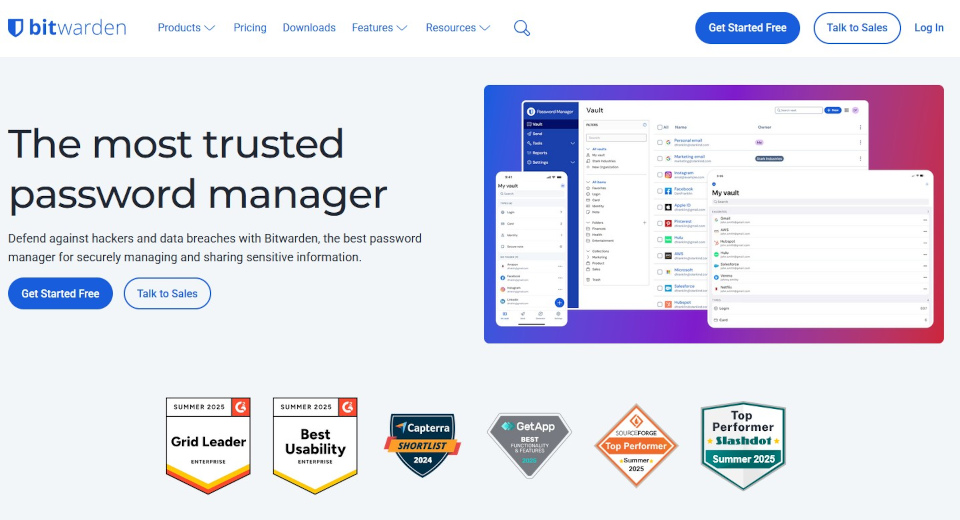
Bitwarden is an open-source password manager. It stores, organizes, and auto-fills my credentials on desktop and mobile.
When I need a new password? It’ll generate one and save it instantly.
Honestly, I don’t know where I’d be without this tool.
Probably buried under a mountain of hastily scribbled and completely disorganized Post-it notes, perpetually confused about which one contains the password I need.
Foxit: PDF stuff
Foxit’s PDF editor is an alternative to Adobe Acrobat. I had no idea it existed until I stumbled across it while researching Acrobat Pro alternatives.
As part of my work, I occasionally proofread and comment on typeset documents in PDFs. And I often need to combine multiple PDFs into one.
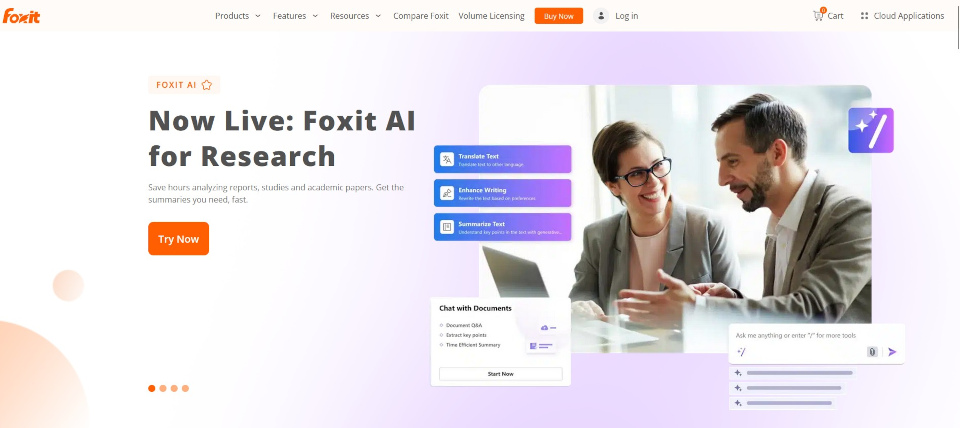
I can’t do everything I need to do with Acrobat Reader.
While Adobe Acrobat may be an industry standard, once you need to upgrade from the free version, those industry-standard prices can be steep.
Foxit’s PDF Editor does everything I need at a lower price point than comparable Adobe products.
Canva: design help
I wish I had some kind of aptitude for art or graphic design. Alas, I do not.
Have you ever seen representations of St. Stephen where he has stones perched—sometimes jauntily, always defying the laws of gravity and, occasionally, perspective—on his head and shoulders?
If not, check out this painting in the National Gallery in London. I love it so much.
Here’s the thing. If I tried to do that? St. Stephen would be a sad little stick figure who’s surrounded by vaguely roundish things.
That’s how bad I am at art.
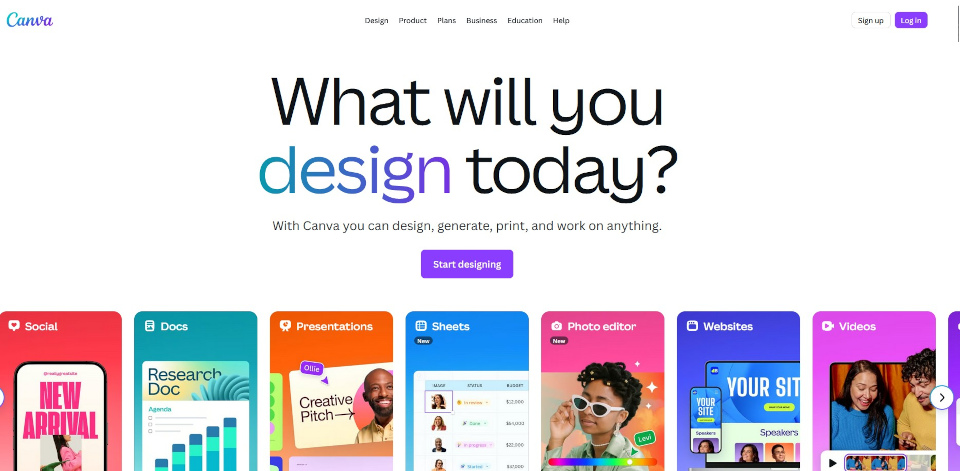
Thankfully there’s a user-friendly tool out there for non-designers like me: Canva. I can make a decent layout with templates for occasional social posts, presentations, and more.
I still hire pros for big stuff. (Shoutout to Estland Design for my logo and original site design. They do amazing work. Check ‘em out.) But I can cover my other needs pretty well with Canva.
Termageddon: website policies
I have a degree in medieval art history, and the focus of my thesis was images of St. Michael the Archangel. Do you really think I’d pass up the opportunity to use anything named Termageddon?
Termageddon auto-generates privacy policies, cookie policies, terms and conditions, and other crucial disclosures for websites.
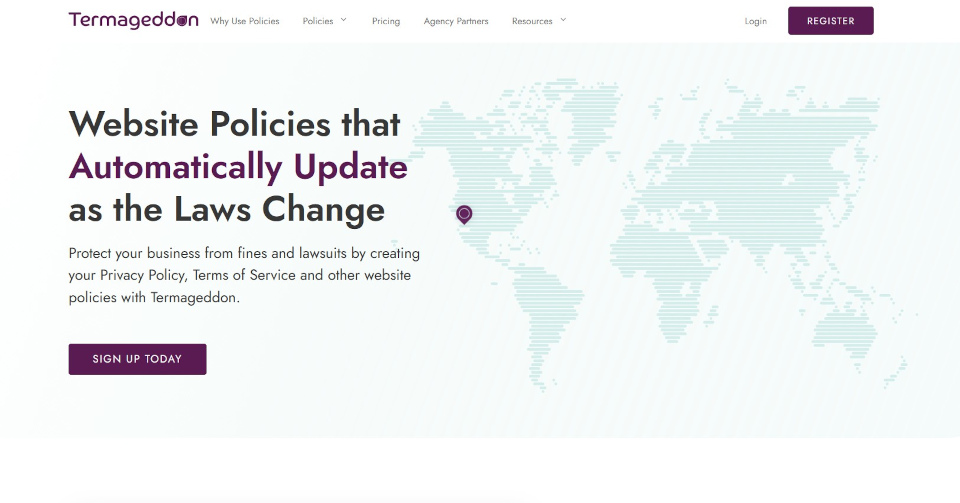
Generating what you need is easy: you answer some questions and then copy and paste the code Termageddon generates to embed the policies into your website.
When privacy laws change? Termageddon keeps my site compliant by updating policies automatically. I might have to answer a few more questions (depends on what the new law requires), but it’s quick and easy.
And the best part? You get all of this for an annual cost of less than you’d pay a lawyer for an hour’s work.
Microsoft 365: everyday productivity
Not much to say here since many of you are already familiar with Microsoft’s products.
Microsoft 365 is my go-to for documents, spreadsheets, video conferencing, a business phone number, and email, mainly because some of my other tools only play nice with Microsoft.
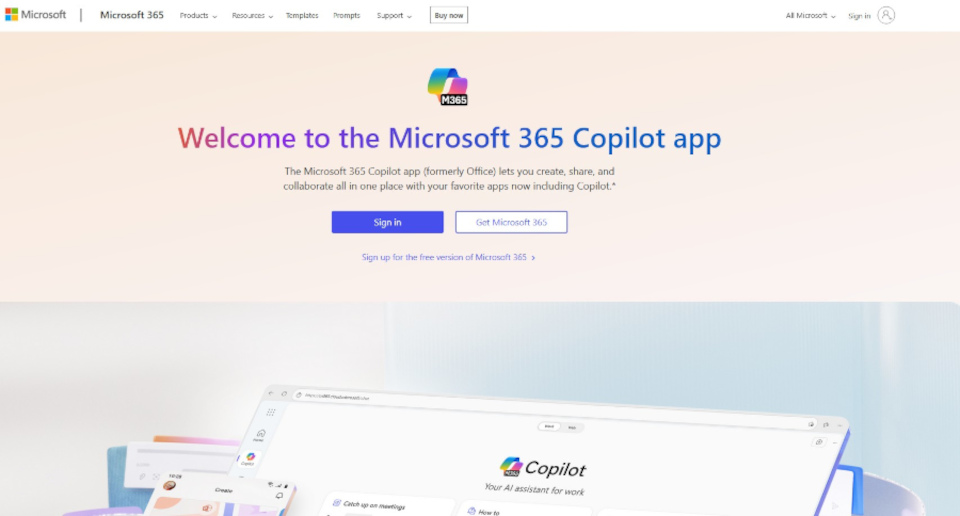
For example, PerfectIt (my editing sidekick) works only in Word. It catches style inconsistencies so I can focus on the higher-level edits.
I also try to keep everything in one ecosystem so I’m not juggling files in 67 different places.
Wrapping up
Finding the right small business tools is part trial-and-error, part figuring out what actually makes your workday smoother. These are the ones that make mine run without (too much) chaos.
What about you? Got a favorite tool I should check out? Drop it in the comments or send me a message. I’m always looking for an excuse to tinker.
+ view comments . . .